
Description
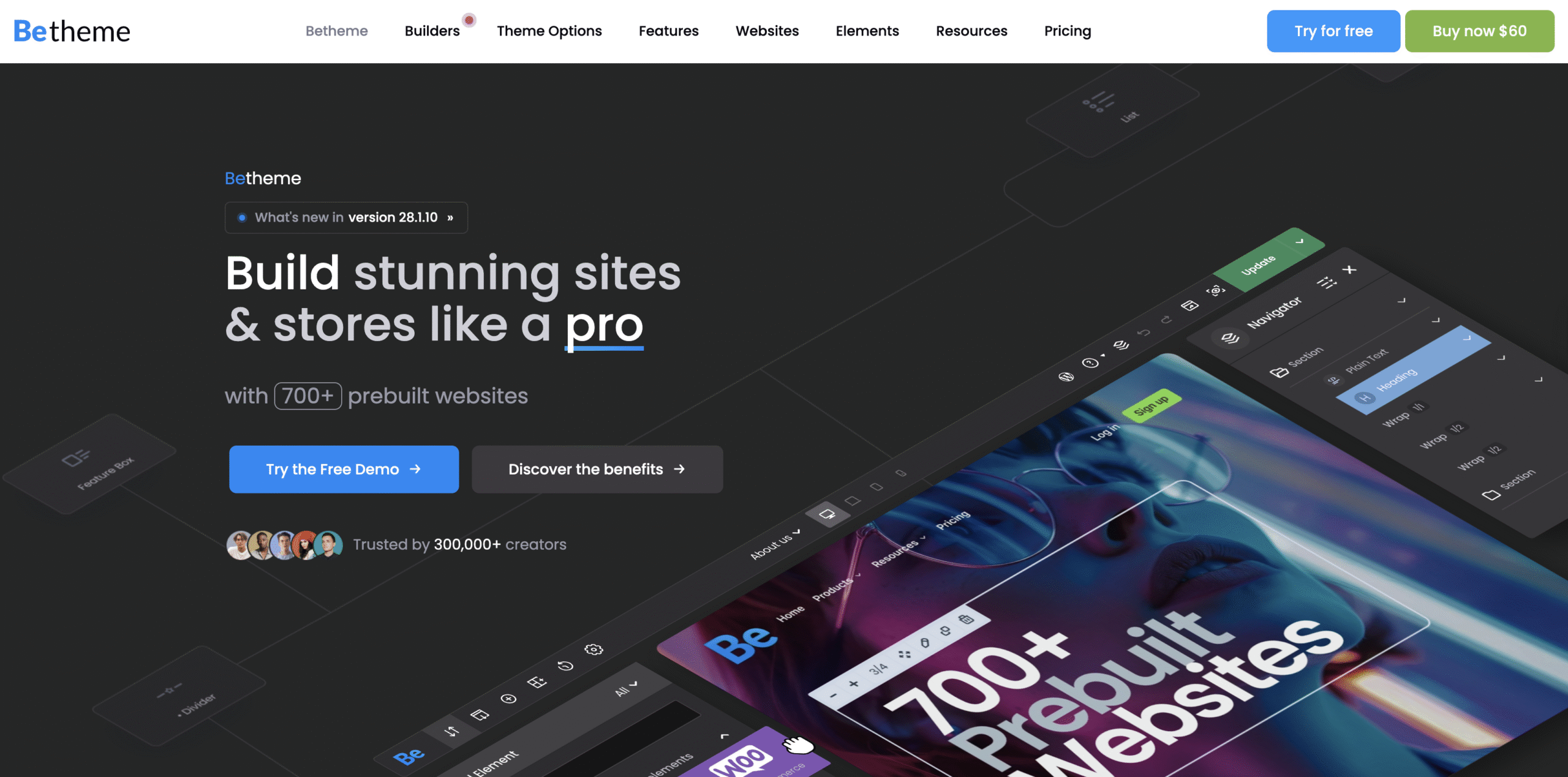
Betheme is full of different pre-built websites so you can easily import any demo website within seconds at 1 click. Constantly we add new demos at users requests.
So far we created websites for: electric, veterinarian, loan agency, charity agency, sitter, moving company, barber, health magazine, book writer, plumber, art agency, interior design company, webmaster, application, seo agency, university, event company, developer, car rental, band, gym, designer, marketing agency, hosting company, travel agency, real estate company, photographer, renovator, small business company, hotel, mechanic, lawyer, school, shop and much more.
If you have own idea for great homepage, please do not hestitate and tell us about that. We consider all your ideas!
Betheme is full of different pre-built websites so you can easily import any demo website within seconds at 1 click. Constantly we add new demos at users requests.
So far we created websites for: electric, veterinarian, loan agency, charity agency, sitter, moving company, barber, health magazine, book writer, plumber, art agency, interior design company, webmaster, application, seo agency, university, event company, developer, car rental, band, gym, designer, marketing agency, hosting company, travel agency, real estate company, photographer, renovator, small business company, hotel, mechanic, lawyer, school, shop and much more.
If you have own idea for great homepage, please do not hestitate and tell us about that. We consider all your ideas!
- 4 different grid layouts: 1240px Boxed, 960px Boxed, 1240px Full Width, 960px Full Width
- Widgetized Top Area (click on arrow in right top corner to see how it works)
- Awesome Layouts Generator
- unlimited layouts for pages
- choose between different logos, headers, layouts, grids or skins
- basically this option allow to create unlimited totally different pages around one website/domain
- Unlimited menus (you can choose different menus for different pages)
- Customizable entry effects on scroll (choose between 22 different entry effects)
- Custom Font Uploader (upload any font you want and use for website)
- 7 different header versions (Modern, Classic, Stack: Left, Stack: Center, Stack: Right, Simple & Empty)
- Under Construction / Maintenance Mode & Blank Page
- 12 predefined skins
- One page website possibility with nice scroll effect
- Smooth & reliable parallax effect – click here to see example
- 1 Click Skin Generator
- Over 200 Muffin Builder and shortcodes items included
- WooCommerce ready – create own e-commerce store
- WordPress Multilingual Ready – build multilingual website – (WPML plugin is not included)
- Built-in translator
- Mega Menu
- Setup rows and columns
- Use titles under columns or not
- Icons in menu items are available
- Muffin Builder splitted on sections
- Sticky Header – can be turned on/off from admin panel
- Fully Responsive – just check how great it works on mobile devices
- Retina Ready – Looks great on tablets and mobile devices
- Tap To Call for mobile devices
- Contact Form 7 plugin included and styled for theme
- Set up as many different forms as you want
- Choose between things like Captcha, checkboxes, select inputs and much more…
- Most Popular form plugin all around the world
- Slider Revolution included – $29 value
- Sliders can be set up for each page
- 100% fully responsive & swipe enabled
- Choose between 24 different transitions for each slide
- Choose between full-width & boxed layout (960px or 1240px)
- Youtube & Vimeo videos support
- Set slider controls, animation times, shadows, thumbnails and much more…
- Drag & Drop captions
- Unlimited slides
- Set up any slides you want (image/images, video/videos, flying objects, text, Buttons, links, backgrounds and whatever you can imagine)
- Awesome Drag & Drop Muffin Builder
- Fast & Easy to use
- Available for Pages, Posts and Portfolio
- Over 40 items included with many different layouts (over 200 different looking items in total)
- Change sizes, positions and much more…
- Amazing Muffin Options
- Change color for each element you see
- Choose between 4 predefined skins or create your own
- Turn on/off responsive version by one click
- Choose layout (boxed or full width)
- Change phone & email in header withing seconds
- Choose between different layouts with one click
- Turn on/off Sticky Header Menu
- Use built-in SEO fields
- Unlimited sidebars
- Choose fonts for each text on page (you can use Latin, Cyrilic and many other types of font)
- Built-in translator (translate anything you want on page with our built-in translator)
- Choose between backgrounds images, colors, etc.
- Upload logo & favicon in few seconds
- Blog options support
- Portfolio options support
- Custom CSS support
- and much more…
- WPBakery Page Builder plugin with frontend and backend editor included – $64 value
- 3 Different Blog Layouts
- 4 Different Portfolio Layouts
- Translation ready – with included .po /.mo files or our built-in translator
- Child Theme compatible
- Fully customizable – easily change the color of nearly every element you see
- Over 300 vector icons included
- Easy to use for any type of website
- 100% Responsive Design (turn it on/off by one click)
- 200+ Shortcodes (include Muffin Builder items and text shortcodes)
- Easy & fast to configure
- Choose between columns, maps, our team, blockquotes, buttons and much more…
- Your page will be ready within few minutes
- Tested compatibility with
- Spot.IM chat plugin
- WP Mobile Detect
- 950+ Google Fonts included
- SEO ready
- Built-in SEO fields (use them or turn them off)
- Compatible with plugins like All in One SEO or Yoast
- Many pre-built Pages
- Contact page
- About us page
- Carrers page
- Error 404 page
- Features page
- Gallery page
- Help center page
- How it works page
- Our team page
- Press page
- Pricing page
- Sidebar page
- and much more…
- Unlimited sidebars for pages
- 6 built-in custom widgets
- Muffin Flickr
- Muffin Menu
- Muffin Recent Comments
- Muffin Recent Posts
- Muffin Tag Cloud
- Revolution Slider widget
- Subheader background images support
- Custom logo, Retina logo & favicon support
- Dedicated subpages
- Google Maps support – Google Maps Platform billing account is required
- Grid Based Layout
- Social media icons
- Custom footer menu
- Built-in breadcrumbs
- HTML5 / CSS3
- Cross browser compatible
- Clean commented code
- Full documentation included
- HD Narrated videos
- 18 PSD files with UI Kit included
- Layered homepage PSD-file included into package
- XML file with demo content
- Outstanding support for customers
How to Install WordPress Themes
- Begin by downloading the theme.zip file from the source onto your local computer.
- From your WordPress Administration area, head to Appearance > Themes and click Add New
- The Add New theme screen has a new option, Upload Theme
- The theme upload form is now open, click Choose File, select the theme zip file on your computer and click Install Now.
How to install WordPress Themes using FTP
- Launch Filezilla, enter your login details and click Quickconnect.
- The following window contains Remote Site and a root directory (the root directory is your site’s name). Select /rootdirectory/web/content/wp-content/themes.
- In the Local Site window, select the folder containing your saved theme, right click for more options and hit Upload.
- You’ve now successfully uploaded your theme to WordPress. To finalize, log in to your control panel, head to Appearance > Themes and hover your mouse over the new theme. Now click Activate.
- All that’s left is to check out your new theme and see how you like your new site design.
How to install WordPress Plugin Manually
- From your WordPress dashboard, choose Plugins > Add New.
- Click Choose File, locate the plugin .zip file, then click Install Now.
- After the installation is complete, click Activate Plugin.
To add a plugin to your WordPress website via FTP
- Download the desired plugin as a .zip file from either the WordPress directory or a third-party source.
- Extract (or unzip) the plugin file. The unzipped folder will appear with the same name as the .zip file.
- Next, you’ll need to connect to your WordPress website’s server with FTP. To do this, you can use an FTP client that connects to the host server to transfer files.
- Once you open the FTP client, connect to your website with a username and password. You might need to obtain these credentials from your hosting provider.
- In your WordPress file directory, open the wp-content folder, then open the plugins folder.
- Upload the unzipped plugin folder that you downloaded to the plugins folder.
- Return to your WordPress dashboard and select Plugins > Installed Plugins. Find your new plugin and click Activate.

Reviews
There are no reviews yet.